


Family plans. Team meetings. School events. Community gatherings. The people in your life have a lot going on—and seeing how those plans fit together can make the whole week feel easier.
GroupCal for iPhone Duo is here. GroupCal, our shared calendar and planner, now makes more of the new foldable iPhone’s screen, with adaptive layouts, a spacious weekly calendar, and room to manage shared events while keeping your schedule in view.
Whether you use GroupCal as a family calendar, a team planner, or a calendar for your organization or community, this update gives collaborative scheduling a wider perspective.
A shared calendar built for iPhone Duo
A quick check before leaving home and a careful look at the week call for different amounts of space. GroupCal adapts to both.
On the closed display, your calendars, recent changes, and familiar group photos are close at hand. Unfold iPhone Duo to see a larger canvas for shared scheduling. The interface adapts as you fold, unfold, and change orientation, putting the additional screen space to work.
This is the thinking behind GroupCal’s iPhone Duo support: make everyday coordination feel natural, from catching up on a change to planning several days ahead. Your groups stay familiar as the layout changes around them.
Your groups. The bigger picture.
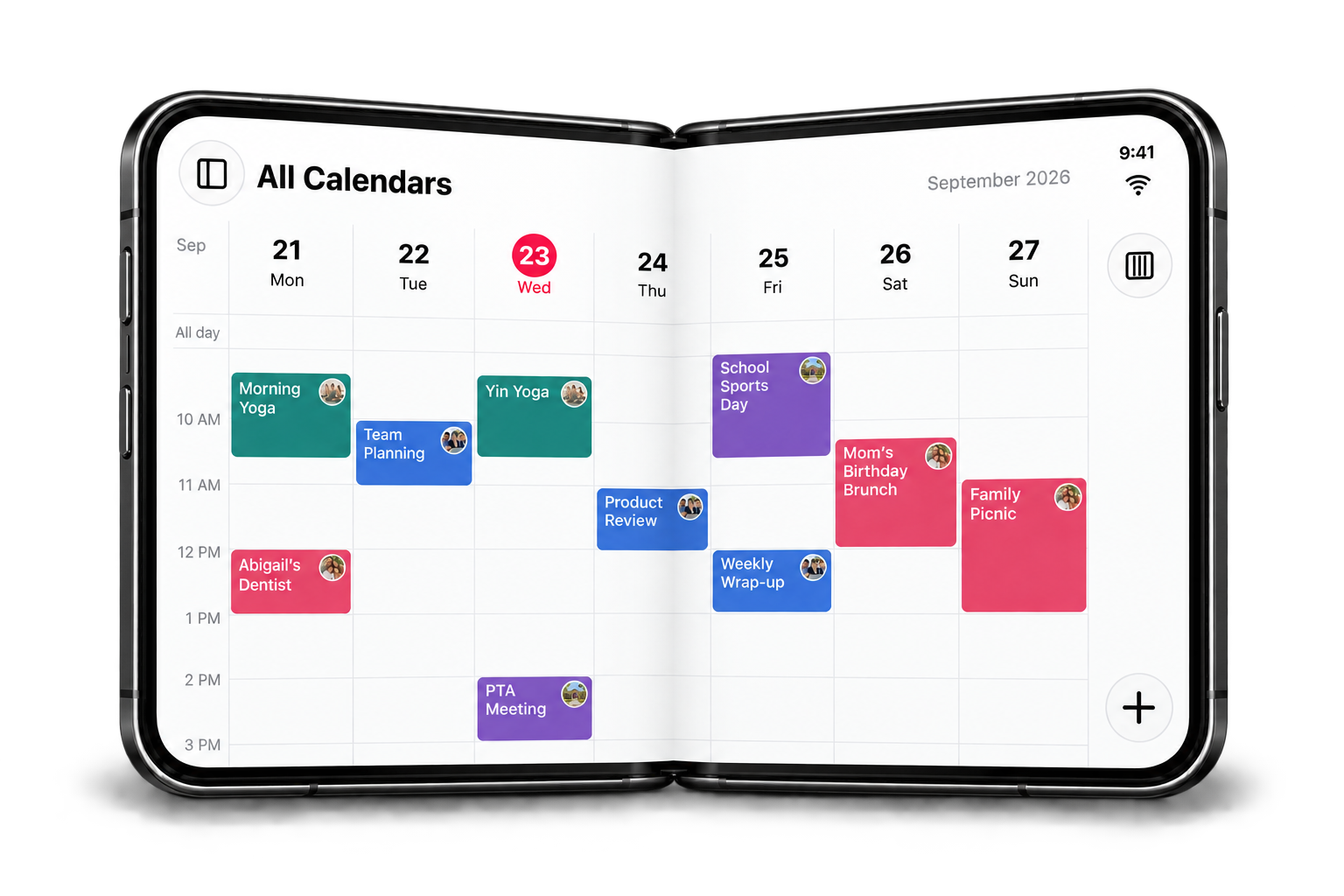
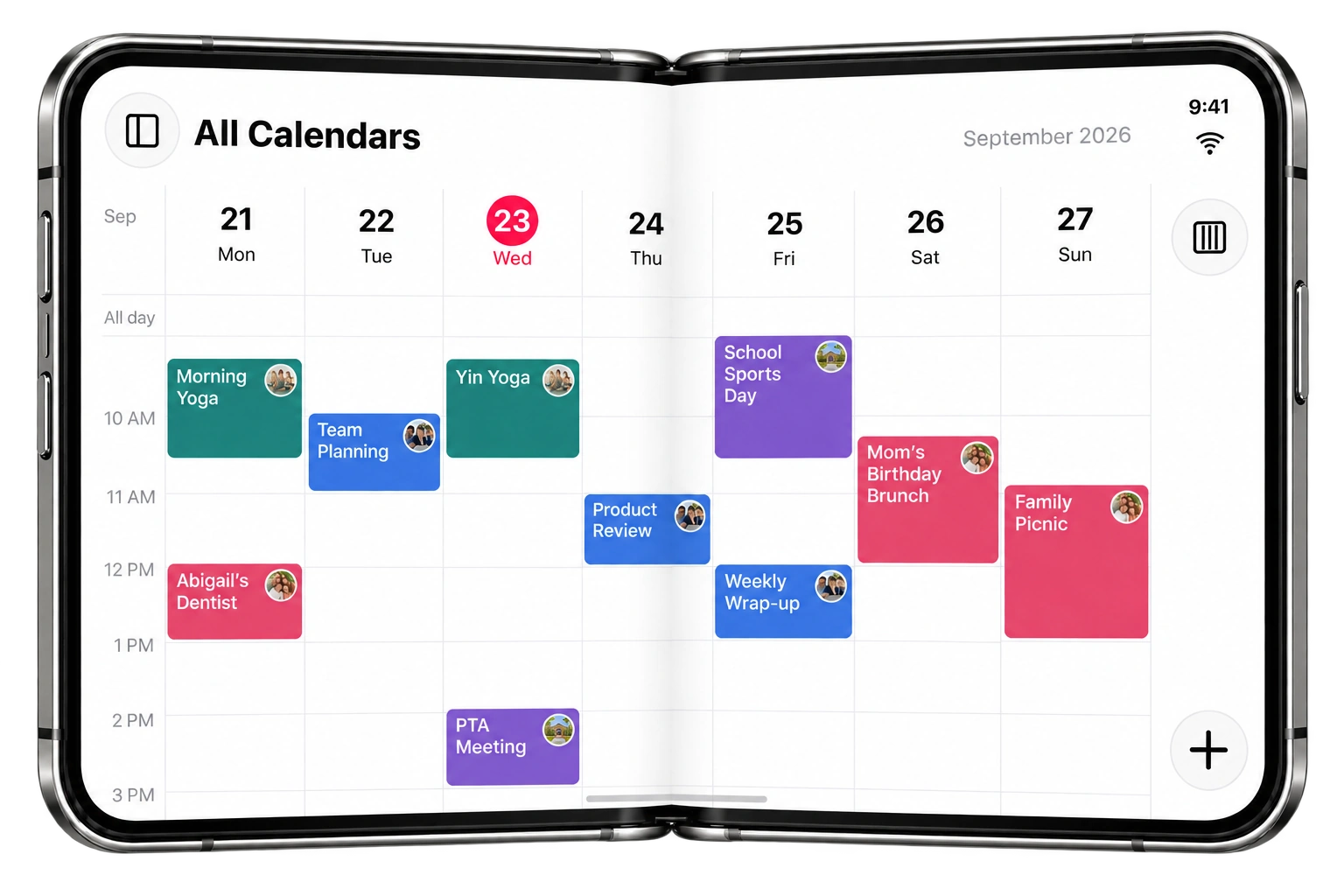
Open GroupCal’s All Calendars view on the expanded display and the week has room to breathe. Color-coded events and calendar photos connect each plan to the group behind it, helping you follow family, work, school, and community schedules together.
A product review, a PTA meeting, and a family picnic may belong to different calendars, but they still share space in your week. Seeing them in a spacious calendar grid makes it easier to understand what’s coming up and where commitments overlap.
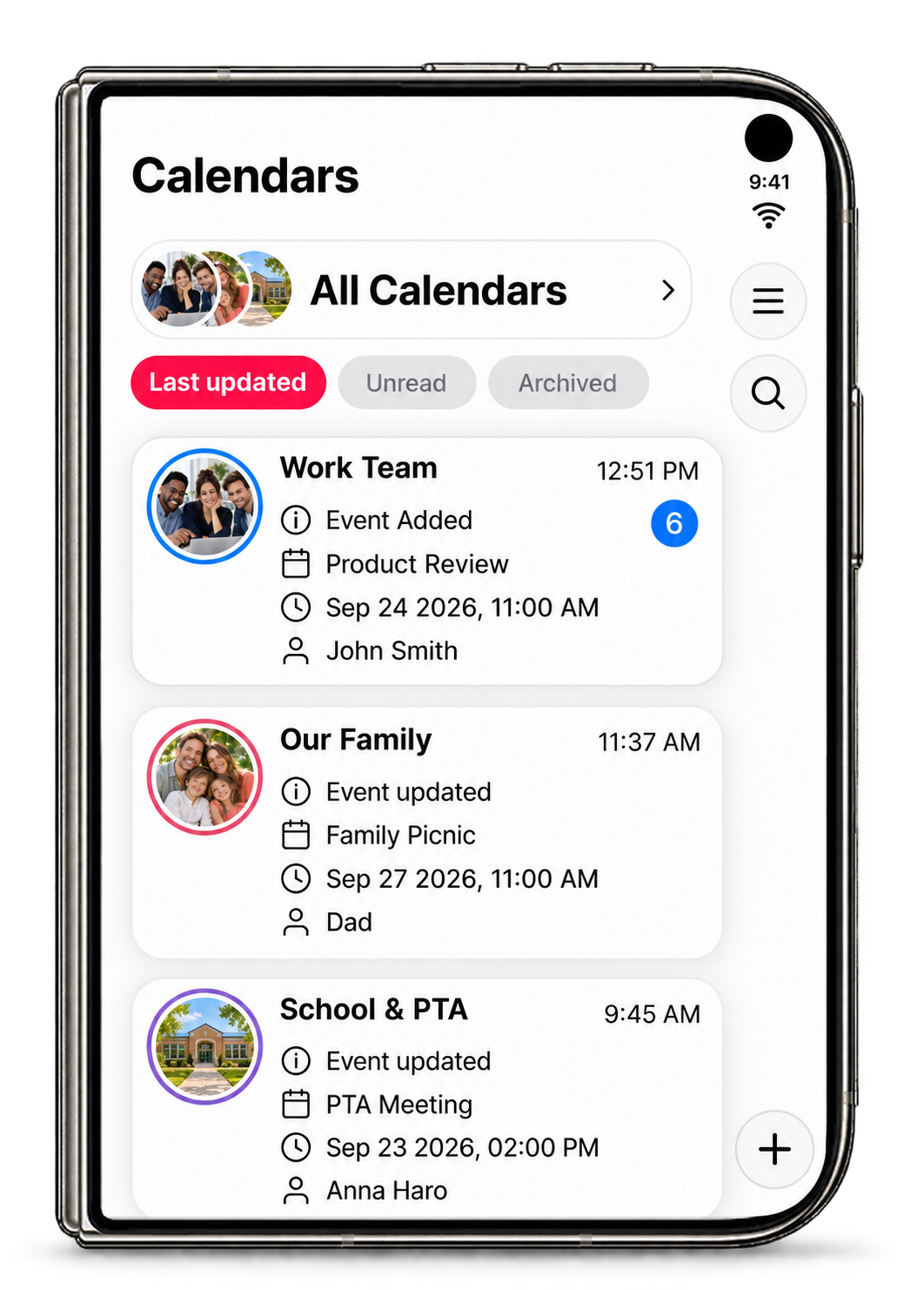
The closed Calendars home offers the other side of that experience: a focused place to see your groups and recent activity before opening the bigger picture. Choose the view that suits the moment.
Catch up without losing your week
Shared schedules change. A teammate adds a meeting, a parent updates a family event, or a school organizer changes a time.
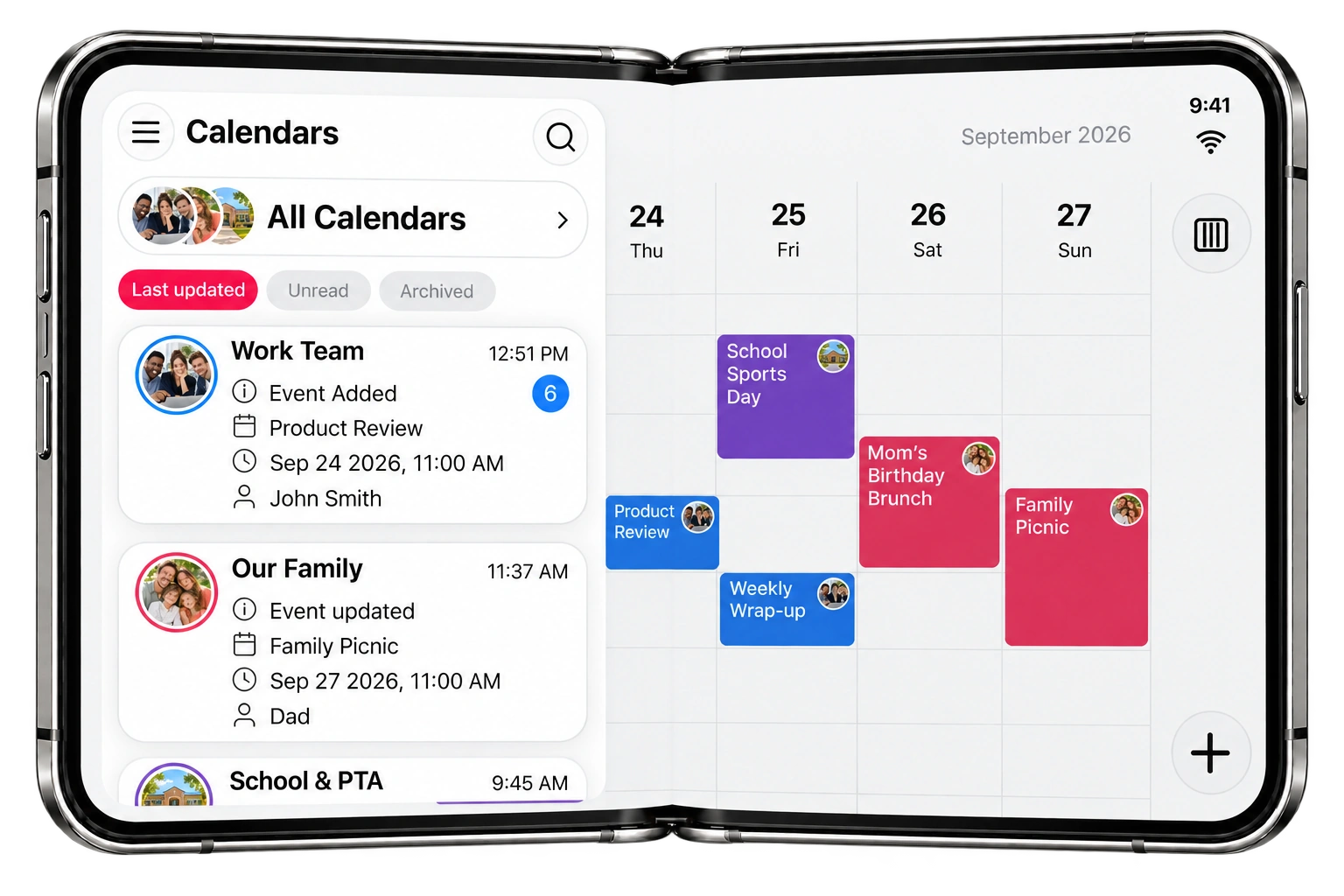
On iPhone Duo’s open display, GroupCal’s shared calendars panel brings your groups and recent activity alongside the weekly calendar. You can see what changed and who updated it while the calendar remains visible behind the panel.
It’s a useful way to connect an update with its place in your schedule. Instead of remembering a change and then looking for the relevant day, you can keep the broader week in view as you catch up.
Give every shared event room for its details
An event is more than a block on a calendar. The time, place, people, and notes help everyone know what to expect.
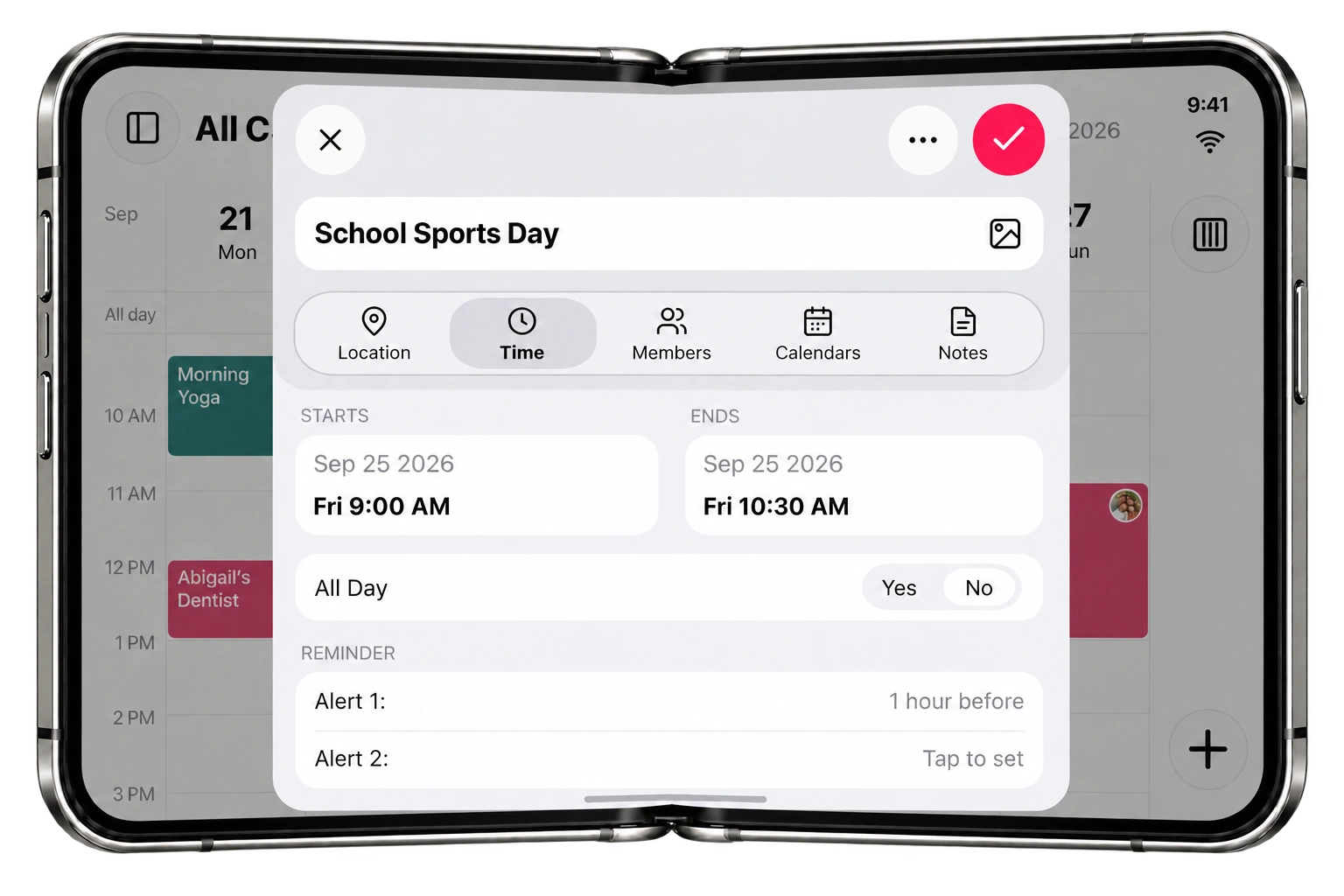
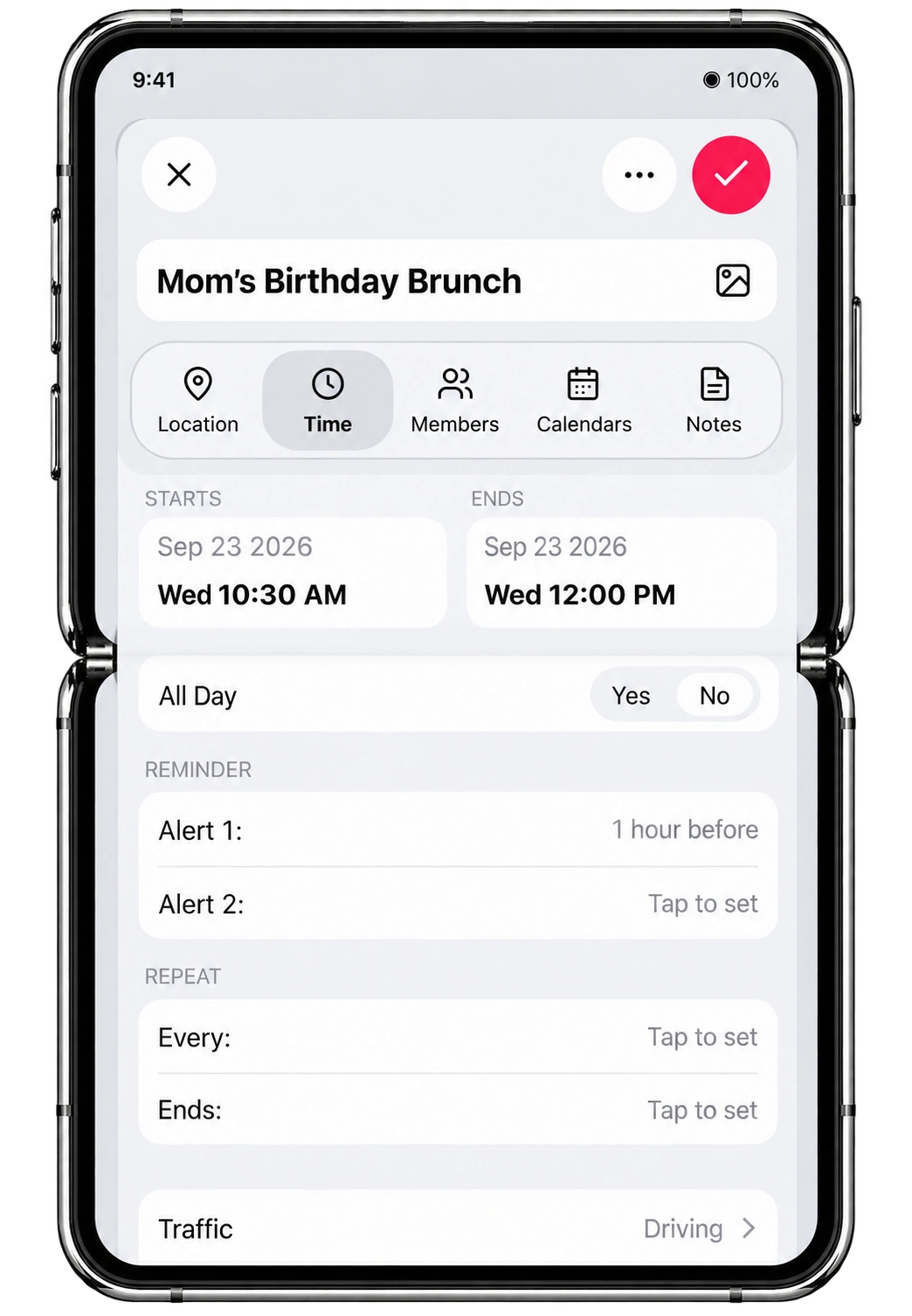
GroupCal’s refreshed event editor gives those details a focused space on the expanded screen. Review or edit an event’s time, location, members, calendars, notes, and reminders while your shared week stays visible behind the editing sheet.
Planning School Sports Day? Check the start and end times, add the location, and set a reminder with the surrounding schedule still in sight. The layout also adapts to the taller open portrait display, giving you another comfortable way to work through event details.
A group calendar and shared planner for the people in your life
A group calendar works best when everyone can follow the same plans. GroupCal combines shared calendars and a shared planner for families, teams, organizations, and communities. The new iPhone Duo layouts give that coordination more room.
A shared family calendar
Keep school activities, appointments, celebrations, and family outings in a shared family calendar. On the open screen, see how the week fits together; on the closed screen, quickly catch up on changes before heading out. Everyone can follow the same shared plans as they evolve.
A team calendar and shared work planner
Use a shared team calendar to coordinate meetings, project milestones, and work events. The wider weekly view makes a busy schedule easier to scan, while recent activity helps you follow changes from colleagues. GroupCal keeps the people behind each calendar visible as you plan.
A calendar for organizations
Schools, businesses, nonprofits, and other organizations often coordinate several groups at once. Keep their calendars distinct while reviewing the shared week together. The expanded view gives organizers more space to understand upcoming events and work through the details of each plan.
A calendar for communities
From local clubs to volunteer groups, a community calendar helps people know what’s happening and when to join in. GroupCal brings shared events and updates together so organizers and members can stay in sync. See how that approach works at scale in our Cayman Islands Government community calendar case study.
More space, with the Apple experiences you already use
This release builds on GroupCal for iOS 27, including Live Activities, App Intents for Siri and Shortcuts, Apple Intelligence experiences, and Liquid Glass design.
Those features help keep shared schedules accessible throughout the day. The iPhone Duo update brings that same attention to the space inside the app, with resizable layouts designed for its different display sizes and orientations.
Plan together on iPhone Duo
GroupCal for iPhone Duo is available now on the App Store. Update the app, open your shared calendars, and make more room for the people and plans in your week.
Download or update GroupCal on the App Store.
Frequently asked questions
Does GroupCal support iPhone Duo?
Yes. GroupCal supports iPhone Duo with adaptive layouts for its closed and open displays, a spacious weekly calendar, and an event editor that adjusts to the available screen space.
What changes when I unfold iPhone Duo?
The expanded display gives your shared calendar more room. You can review a wider weekly grid, open the shared calendars panel, and edit an event while keeping the surrounding schedule visible.
Who can use GroupCal as a shared planner?
GroupCal is built for families, teams, businesses, schools, organizations, and communities. Create group calendars for different parts of your life to coordinate events and keep members informed as plans change.