


Community Calendar – Share your Community Events
Managing a busy neighborhood association, school club, or local faith group requires clear communication. While standard shared calendars keep small teams organized, public-facing communities require a different approach to scheduling.
What is a Community Calendar?
A community calendar is a shared public schedule that aggregates local events, activities, and announcements into a single, accessible directory. Unlike personal calendars, its primary purpose is public engagement, allowing neighborhood associations, schools, clubs, faith communities, and businesses to broadcast schedules and drive local participation.
Examples of Community Calendars & Their Unique Challenges
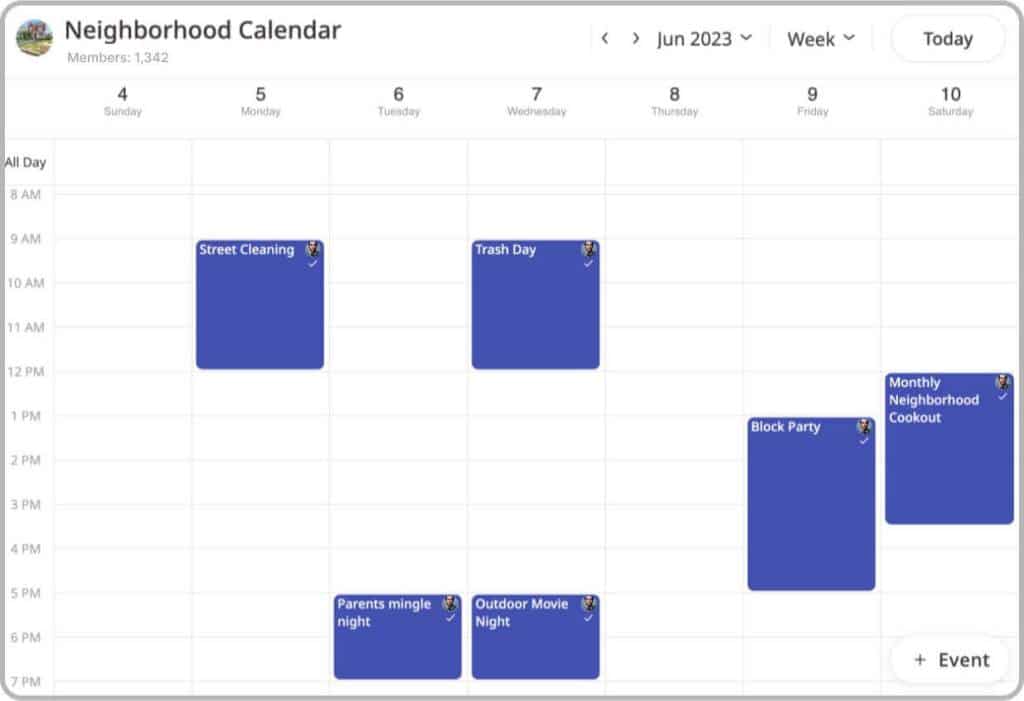
- Neighborhood Associations (HOAs): The Challenge: Coordinating maintenance & shared governance. HOAs use calendars to coordinate block parties, landscaping schedules, and board meetings, keeping residents aligned on shared responsibilities and local initiatives.
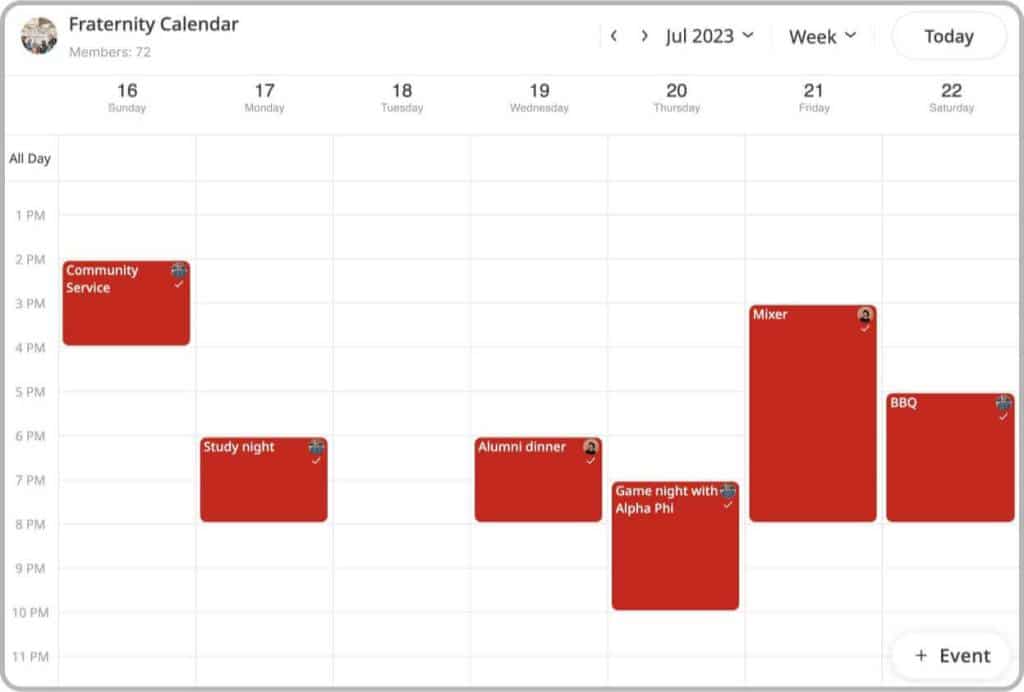
- School Clubs & Student Orgs: The Challenge: High member turnover & event promotion. Centralized calendars allow student leaders to schedule fundraisers, recruitment drives, and academic workshops, preventing scheduling conflicts across different campus activities.
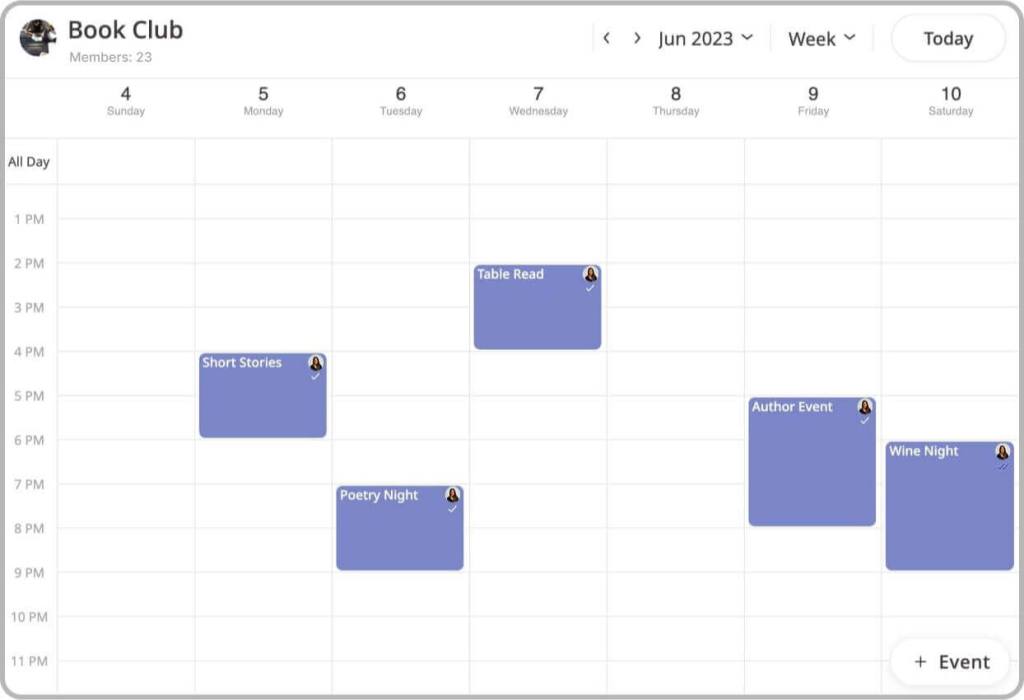
- Social & Hobby Groups: The Challenge: Tracking irregular meetups. Book clubs, sports leagues, and fitness classes use shared calendars to organize practices, match dates, and venue locations, fostering a sense of consistency and belonging.
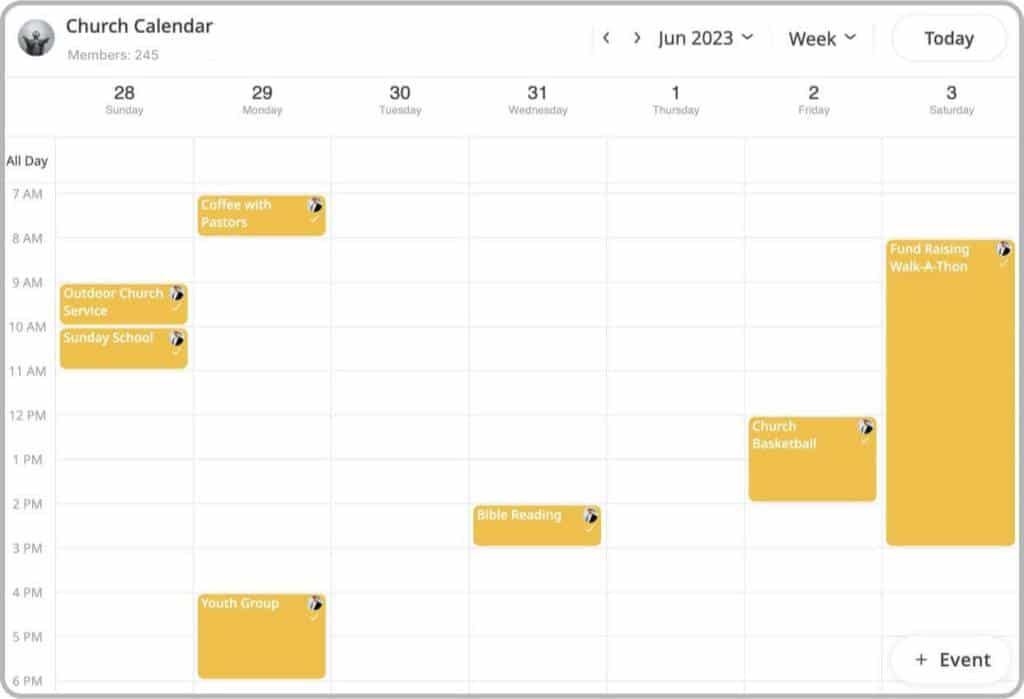
- Religious Congregations: The Challenge: Volunteer coordination & service planning. Faith communities rely on shared calendars to manage worship services, educational classes, and volunteer shift assignments for outreach programs.
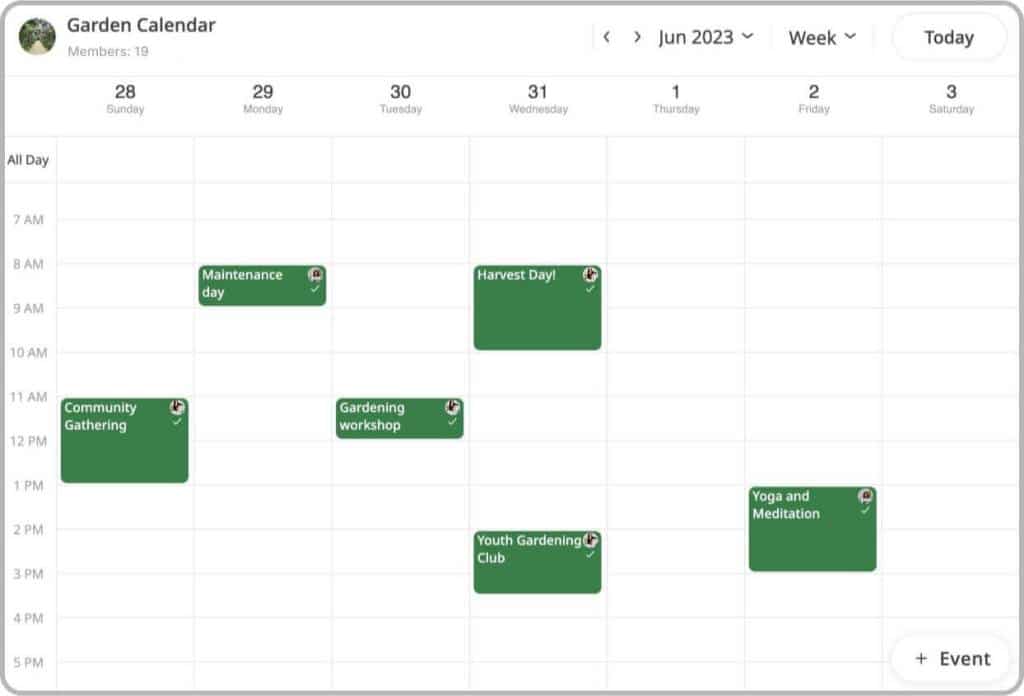
- Communal Gardens: The Challenge: Resource management & seasonal shifts. Gardeners use calendars to organize planting schedules, tool-sharing times, harvest workdays, and seasonal educational workshops.
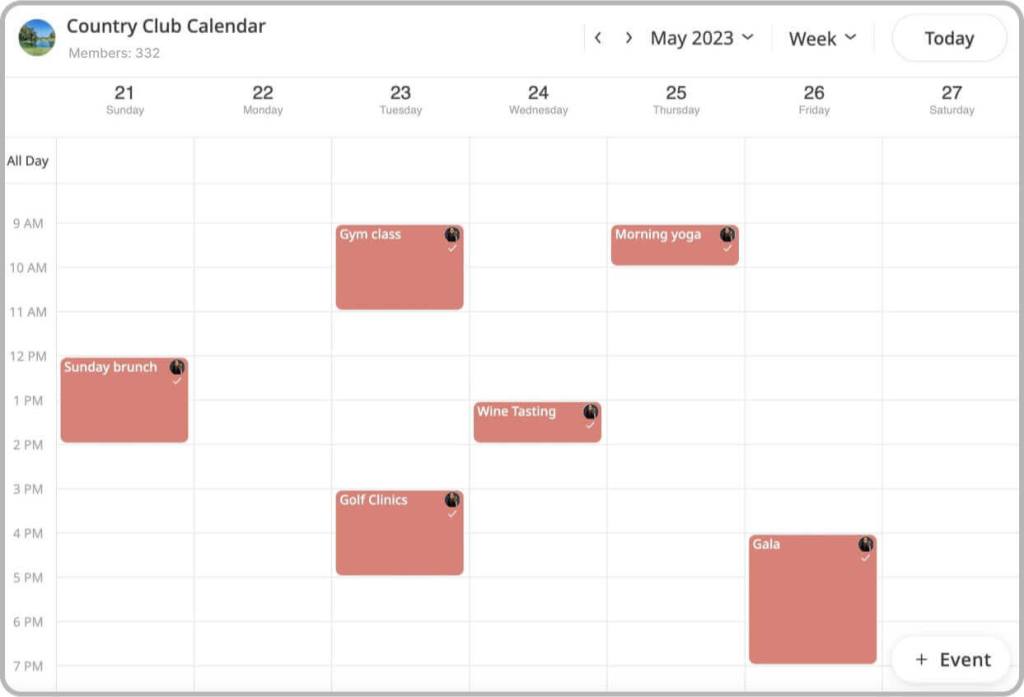
- Country Clubs & Rec Centers: The Challenge: Facility utilization. Facilities use calendars to schedule tennis court bookings, pool hours, dining events, and tournaments, maximizing resource usage and preventing double-bookings.
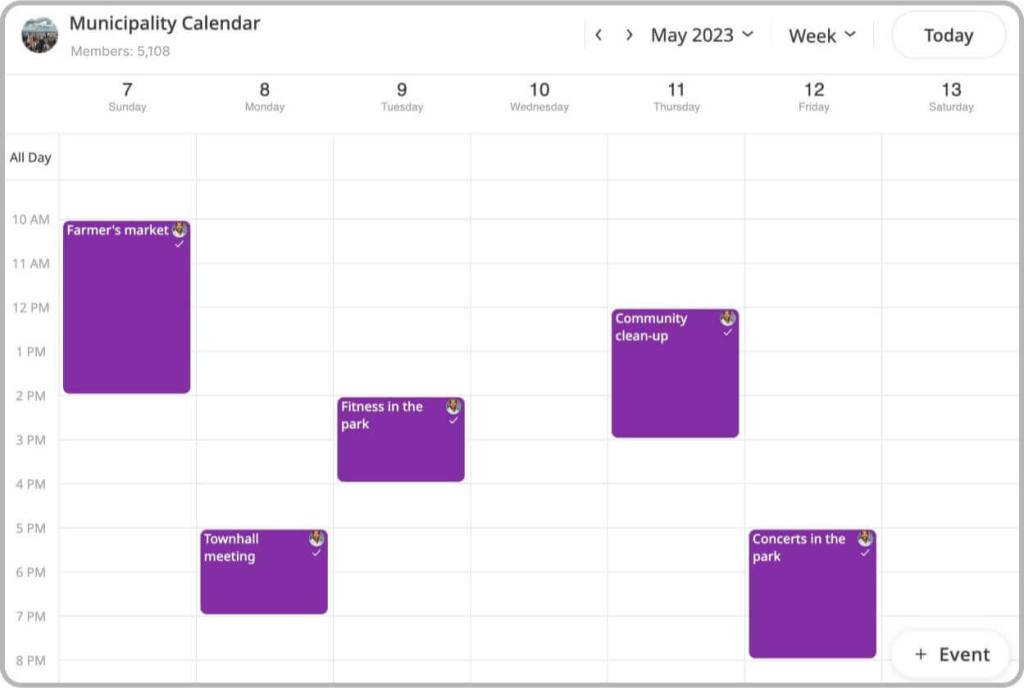
- Municipalities & Local Gov: The Challenge: Mass communication. Municipal calendars provide residents with a single source of truth for city-wide town halls, public safety meetings, trash collections, and local cultural festivals.
The power of shared calendars apps for communities
Shared calendars have the ability to empower communities and foster stronger connections among their members. Similar to a group chat, a shared calendar allows people to collaboratively manage and share information in real-time. It serves as a centralized hub where community members can access and contribute to important events, activities, and schedules.
Shared calendars play a crucial role in promoting collaboration and coordination within communities.
They ensure that important information is accessible to all members, regardless of their location or availability. This fosters a sense of unity, as everyone has equal access to updates, announcements, and community initiatives, enabling community members to contribute their ideas, expertise, and resources, ultimately strengthening the overall community fabric.
Why Traditional Calendar Apps Fail Public Communities
When managing a public-facing community calendar, relying on native tools like Google Calendar, Apple Calendar, or Outlook presents significant friction. These applications were originally designed for individual time management, not active, cross-platform community engagement.
At a Glance: Native Calendars vs. GroupCal Shared Calendar
| Feature / Capability | Native Platforms (Google/Outlook/Apple) | GroupCal Shared Calendars |
| Account Requirements | High Friction: Recipients must have a matching account (e.g., Gmail) to join. | Zero Friction: Anyone can join via a single, universal link on any device. |
| Updates & Notifications | Passive: Updates sync slowly; members are rarely notified of schedule changes in real-time. | Active: Instant, chat-like push notifications are sent to all members for every update. |
| Visual Customization | Minimal: Utilitarian layout with generic designs and limited color-coding options. | Premium: Personalize your calendar with custom colors, descriptions, and event cover images. |
| Web Embedding | Poor: Rigid iframe grids that display competitor branding and clutter your website’s design. | Advanced: Embed your schedule as a sleek, native-looking grid or highly visual card-based feed. |
| Admin Control | Limited: Permissions are typically “all-or-nothing,” risking accidental deletions. | Granular: Control precisely who can add, edit, or view events with custom member roles. |
The Core GroupCal Outcomes for Communities
- Frictionless, Account-Agnostic Onboarding: You no longer need to collect individual email addresses. Simply share one public link, and anyone, on iPhone, Android, or web, can join your schedule instantly.
- Active Audience Engagement: Rather than operating as a passive data feed, GroupCal functions like a messaging app for your schedule. It proactively pushes real-time updates and reminders to your members, prompting them to RSVP and coordinate volunteer shifts or attendance with ease.
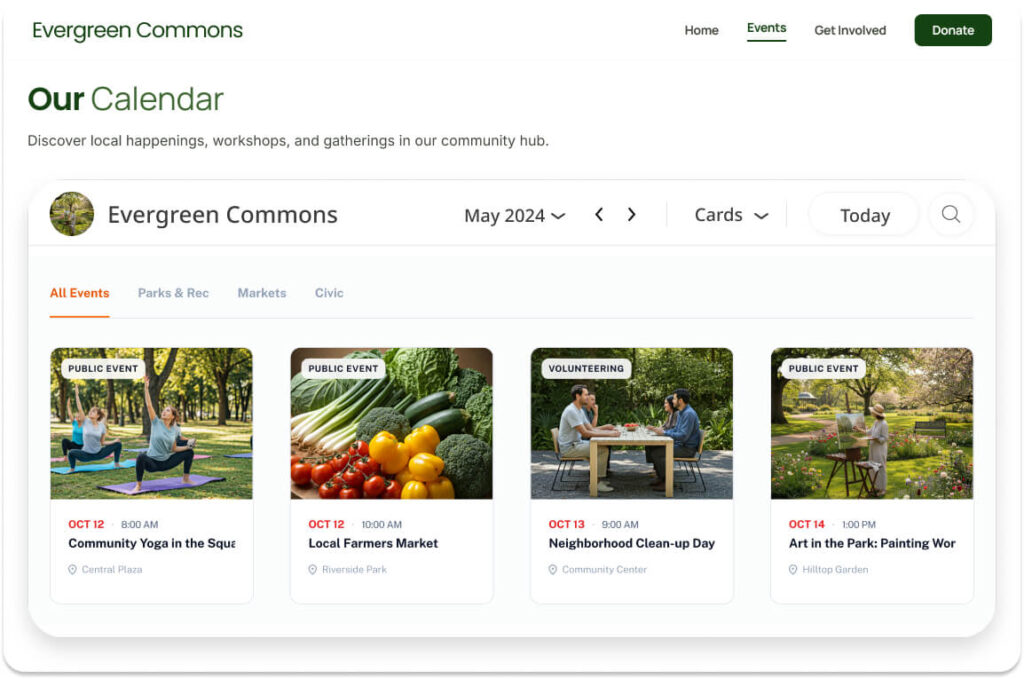
- Advanced Customization & Visual Hierarchy: Traditional calendars look like dry, administrative spreadsheets. GroupCal allows you to brand your calendar with unique photos and colors. Through our newly released Event Cover Images feature, you can attach custom graphics to individual events. When members switch to Cards View, these images act as visual anchors, making the schedule highly engaging and intuitive to navigate.
Build your community with public calendars
Building a strong and engaged community is made easier with GroupCal’s public calendar features. By setting your calendar to a calendar channel, you can reach an unlimited audience, allowing your community to expand and thrive. To enhance credibility, GroupCal provides a verification badge that signifies the authenticity of your calendar, instilling trust in your organization. Interested members can easily follow your calendar channel, by inputting your communities name in the search bar and adding the channel to their calendar list. Adding a channel is similar to subscribing to a social media page. It enables members to stay updated with your events and fosters community growth.
In addition, GroupCal allows you to embed your community calendar directly onto your website. Rather than forcing a traditional monthly grid onto your webpage, you can embed your schedule as a sleek, highly visual event feed using our new Cards View. By utilizing visual cards with prominent event cover images, your website visitors can browse upcoming activities intuitively, making it significantly easier to discover local events and boosting active community engagement directly from your site.
